
Three photos per order
Keep product references and progress images close to the relevant order, with captions you can update or clear.
Orderly features
Save product references, work-in-progress pictures or delivery details alongside the order they belong to. Photos stay available locally, and uploaded copies can sync privately to another device signed into the same Orderly account.


First 20 orders free · One-time Pro Lifetime unlock · iOS and Android
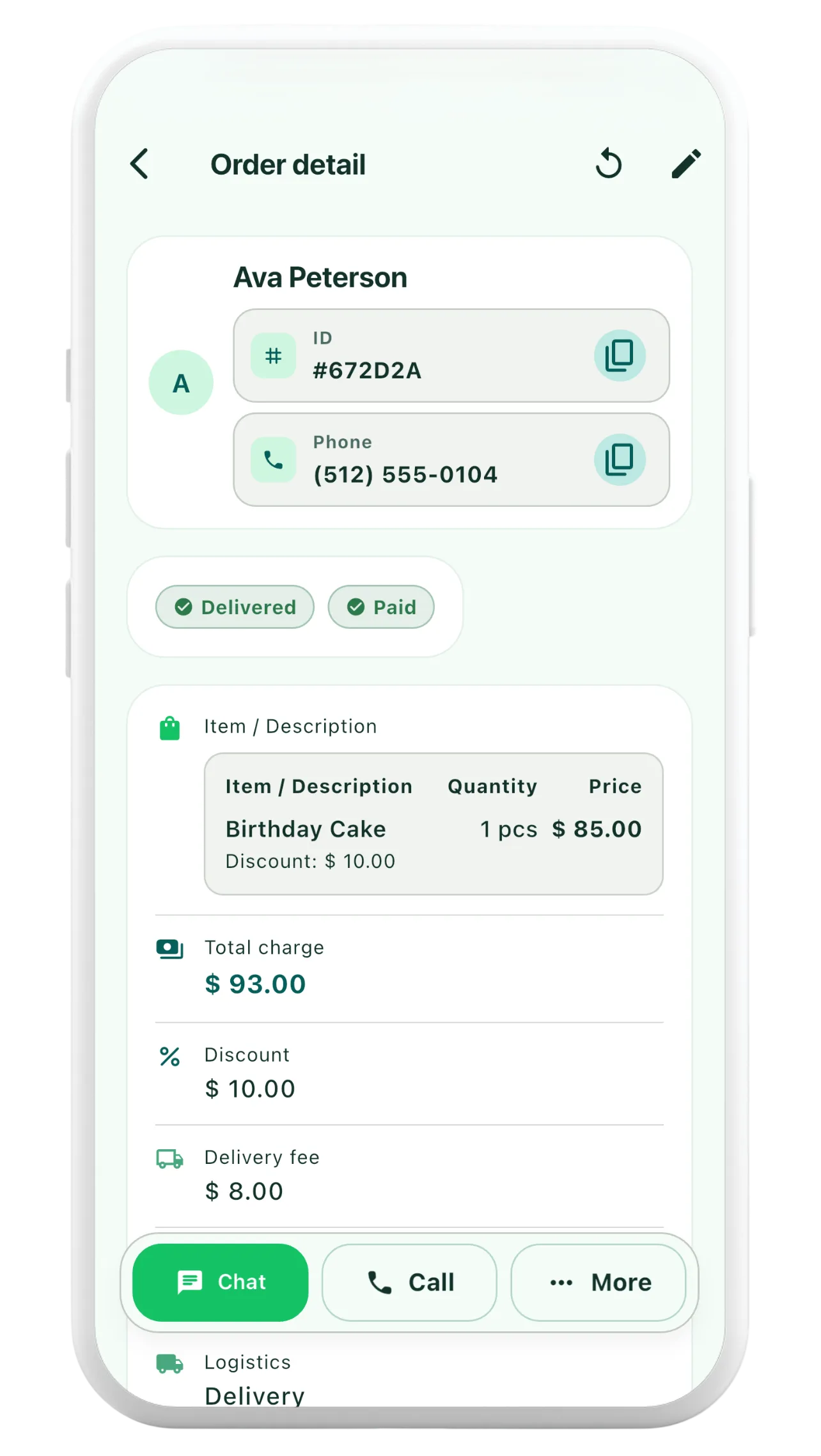
A practical guide
Whether you make custom products, pack online orders or arrange services, reference images and proof-of-work photos are easier to find when they are attached to the matching order.
Attach up to three photos per order and edit or clear their captions as details change. Each photo can be up to 5 MiB, and cloud uploads support JPEG and WebP images.
You can save an order photo when you are offline. The app queues uploads and retries when connectivity and synchronization are available; saving locally does not mean a cloud copy has finished uploading.
Once a photo is securely uploaded, another device signed into the same account can download it. Private photo storage is protected by authentication and order ownership rather than public sharing links.
1. Save the order
Create an order and keep its customer, item and delivery context together.
2. Add a photo and caption
Attach a reference image or completed-work photo, and explain it with an optional caption.
3. Access it on another device
After the upload succeeds, sign in to the same account and allow photos to synchronize.
Archive orders you no longer need in your active list without discarding their history. Restore them later when you need the record again.
You can also create an optional full backup that includes recoverable order photo content. Photo and account deletion can involve asynchronous cloud cleanup.
Keep product references and progress images close to the relevant order, with captions you can update or clear.
Uploaded photos can be retrieved only through an authenticated, owner-scoped gateway.
Photos can be queued offline, and optional full backups can include recoverable photo content.