
A local-first daily workflow
Your app keeps a local database of orders and customers. After your account's data has been loaded, you can continue using locally available records offline.
Orderly features
Orders do not always arrive when the internet is perfect. Orderly is built around on-device order records, so you can keep working with locally available data during connection interruptions instead of relying on a browser page for every change.


First 20 orders free · One-time Pro Lifetime unlock · iOS and Android
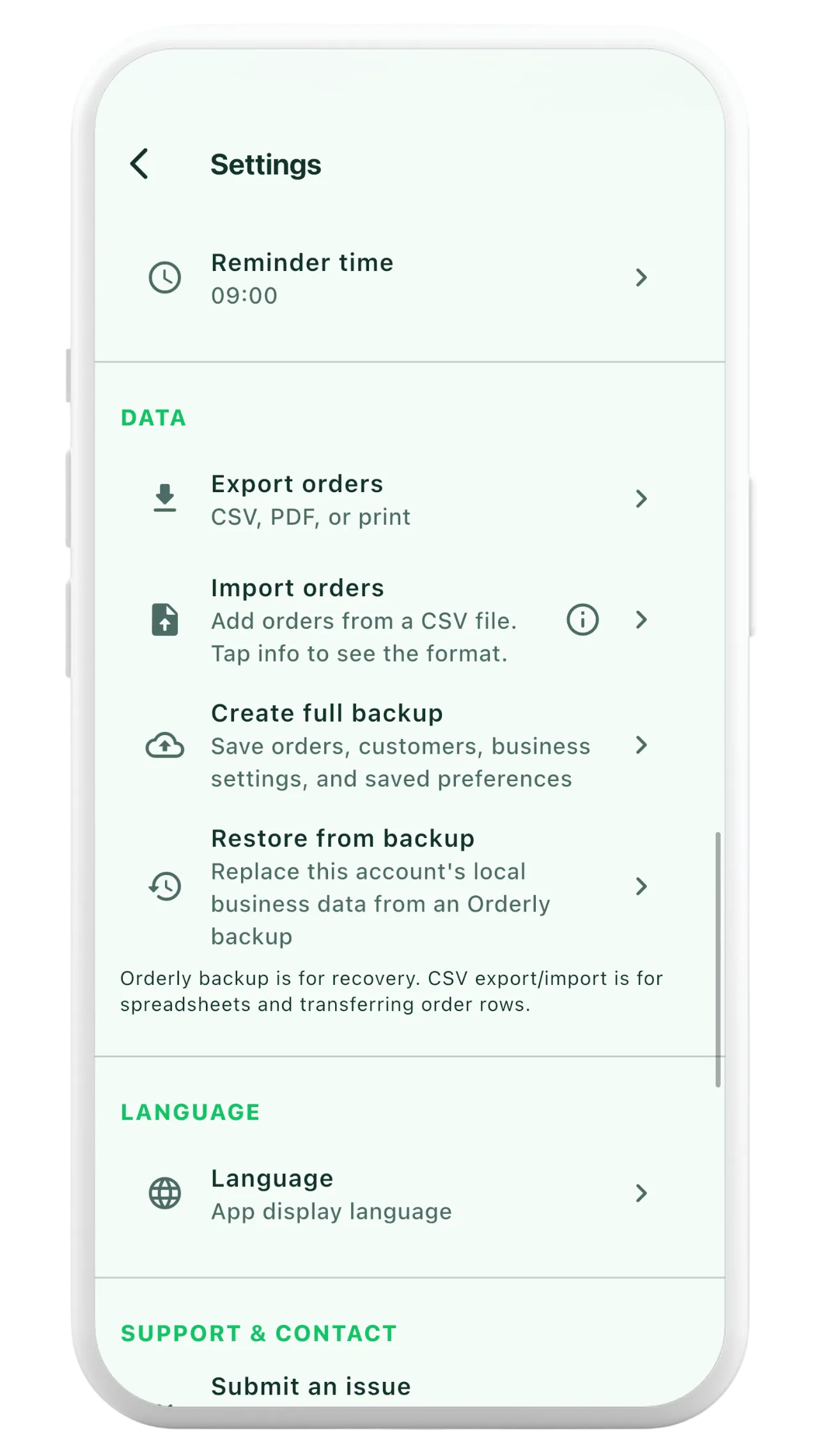
Your app keeps a local database of orders and customers. After your account's data has been loaded, you can continue using locally available records offline.
When cloud sync is enabled and a connection returns, Orderly can process pending changes and refresh your data. Cloud backup and sync are included with Pro.
Orderly also supports creating an .orderly backup file for supported business records and settings, giving you a separate export-and-restore option.
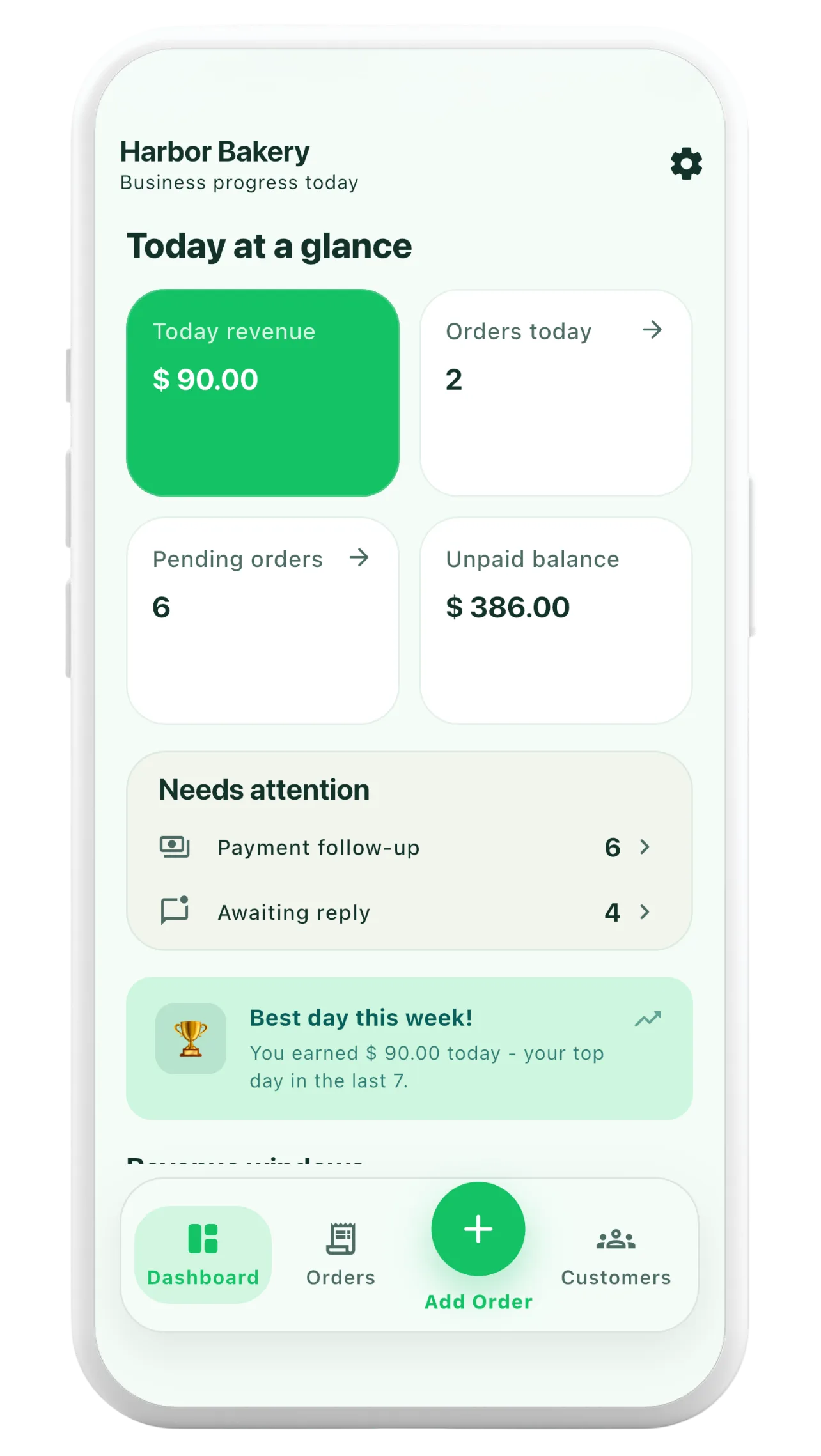
The first session on a new device may require an internet connection to download existing account data.
View locally stored customers and orders, and make supported changes even during a temporary loss of connection.
Once connected, let supported pending changes sync where cloud synchronization is available for your account. Review sync status if something needs attention.
An existing account may need an initial online sign-in and data download before its records are available locally on a new device.
No. Changes made offline stay on the device until they can be synchronized. Keep a connection available periodically and check sync status, especially when switching or replacing devices.
No recurring subscription is offered. Orderly Pro Lifetime is a one-time unlock that includes supported cloud backup and sync features.