
Clear payment statuses
Set each order to paid, unpaid or partially paid so you can spot outstanding payments.
Orderly features
See paid, unpaid and partially paid orders without switching between notes, spreadsheets and payment messages. Record deposits against an order and check the amount still due.


First 20 orders free · One-time Pro Lifetime unlock · iOS and Android
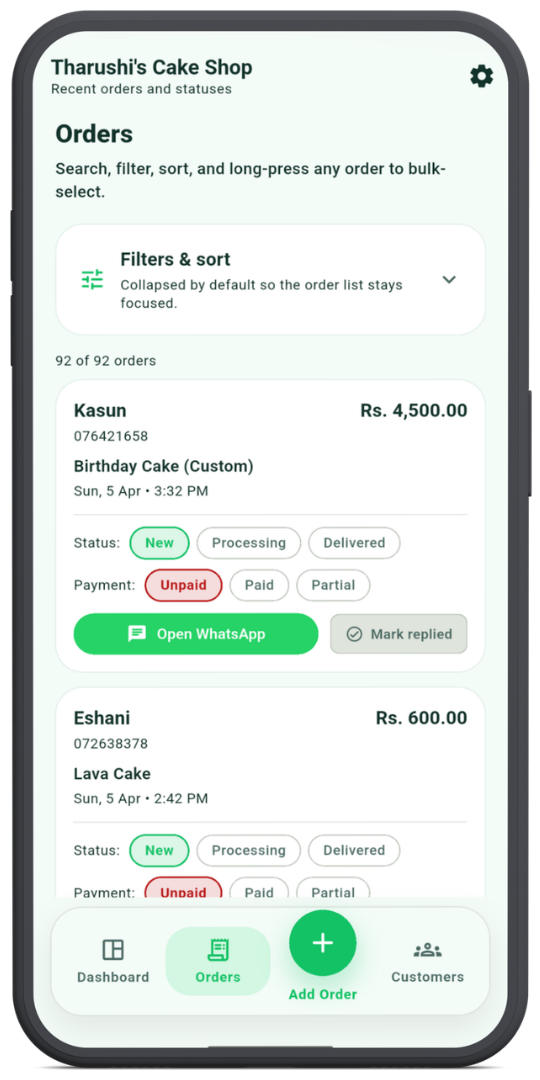
Set each order to paid, unpaid or partially paid so you can spot outstanding payments.
Save advance payments and let Orderly calculate the outstanding balance from the order total.
Include the payment method and an expected settlement date when useful, alongside the order and customer details.