
Practical small-business guide
How to create and share clear PDF receipts
A practical receipt checklist for small businesses: verify the order, check amounts and branding, preview the PDF and share it through a supported app.
Prepared by Orderly · Reviewed for practical order-management workflows
Why a clear receipt matters
A receipt helps a customer recognize what was ordered, the amount charged and the payment context. For a baker, clothing seller or service provider, it also reduces confusion when a customer asks about a delivery fee or an outstanding balance days later.
A PDF is easy to keep and share, but the file is only as useful as the details behind it. Before generating a document, check the underlying order rather than editing the receipt visually to cover up a mistake.
What to check before generating the PDF
| Receipt detail | Check this |
|---|---|
| Business identity | Your business name, optional logo and any saved contact information. |
| Customer and order | The right customer, order reference, relevant dates and delivery details. |
| Line items | Descriptions, quantities and prices; double-check customized items. |
| Adjustments | Discounts and delivery fees, if present. |
| Payment context | The recorded payment status, advance and balance due where applicable. |
| Sharing recipient | Check the person and conversation before sending a document containing customer details. |
A simple five-step receipt workflow
1. Finish recording the order
Enter the customer, items and agreed pricing. For a custom order, check quantities and notes before sending anything to the buyer.
2. Verify payment information
Check the current amount paid and any remaining balance. A partially paid order should not be presented as fully settled.
3. Review your business details
Check your business name, configured contact information and optional receipt logo. A small readable logo works better than an oversized image covering the item list.
4. Preview the complete PDF
Read the generated receipt on your phone. Confirm amounts, dates, item names and customer details rather than looking only at the design.
5. Share the file deliberately
Use the available sharing options on your device. Confirm you have selected the intended customer or conversation before sending the file.
Worked example: a home bakery
Bright Oven Bakery records $130 worth of cake and dessert items for one customer. Delivery adds $8 and a promotion reduces the price by $10. The final total is $128. The customer has paid a $40 deposit, leaving $88 due.
Items: $130.00
Delivery: $8.00
Discount: −$10.00
Total: $128.00
Deposit recorded: $40.00
Remaining balance: $88.00
Before sharing, the owner checks that the customer address and delivery date are correct. The PDF can show the saved advance and amount due because the order has not yet been marked paid. The owner should not mark it settled merely to make the receipt look finished.
How receipts work in Orderly
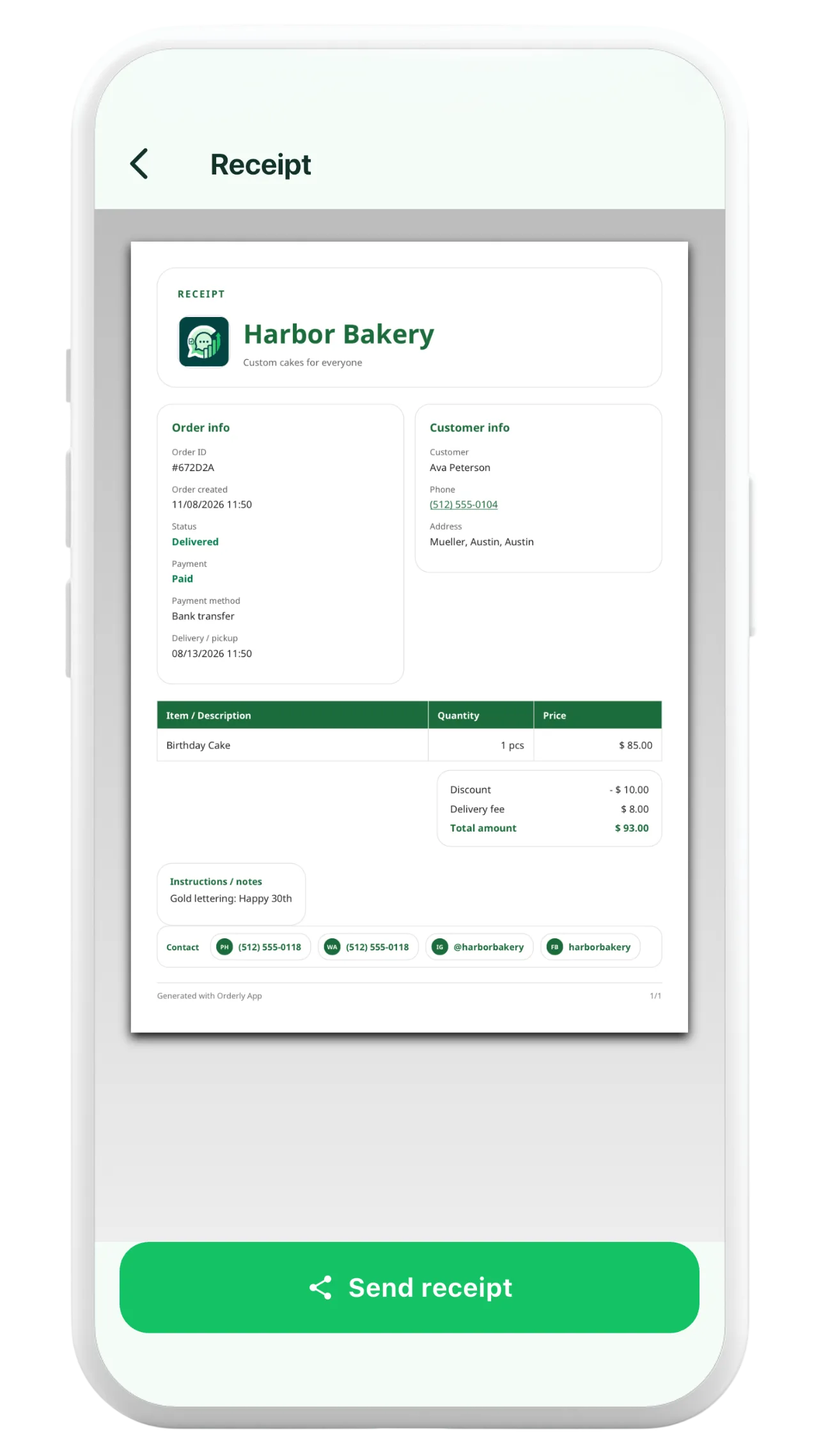
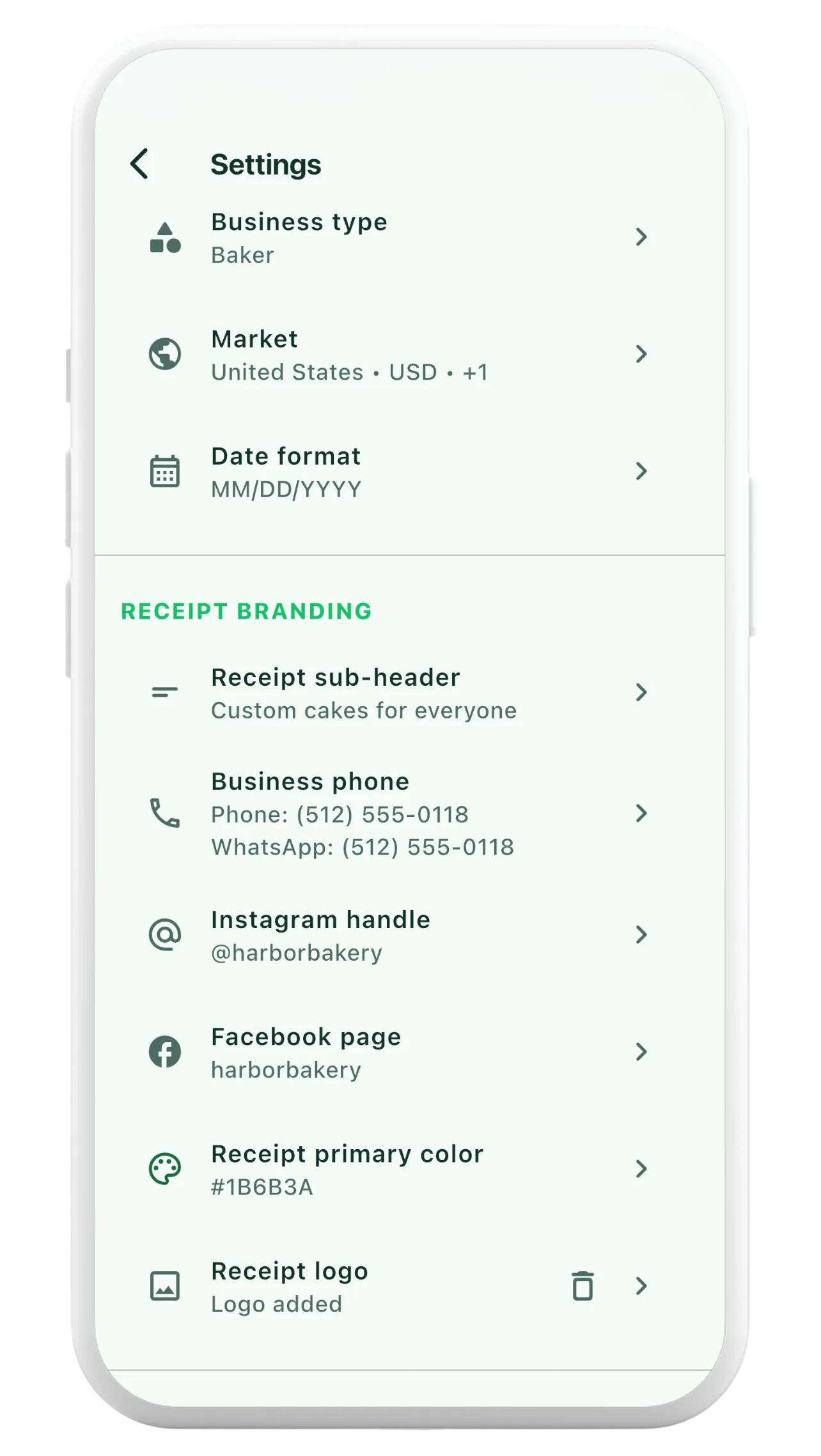
Orderly generates a PDF using the saved order record. Depending on the data entered, receipts can include item rows, order and payment statuses, business contact information, discounts, delivery fees, amounts received and outstanding balances. Business settings support an optional receipt logo.
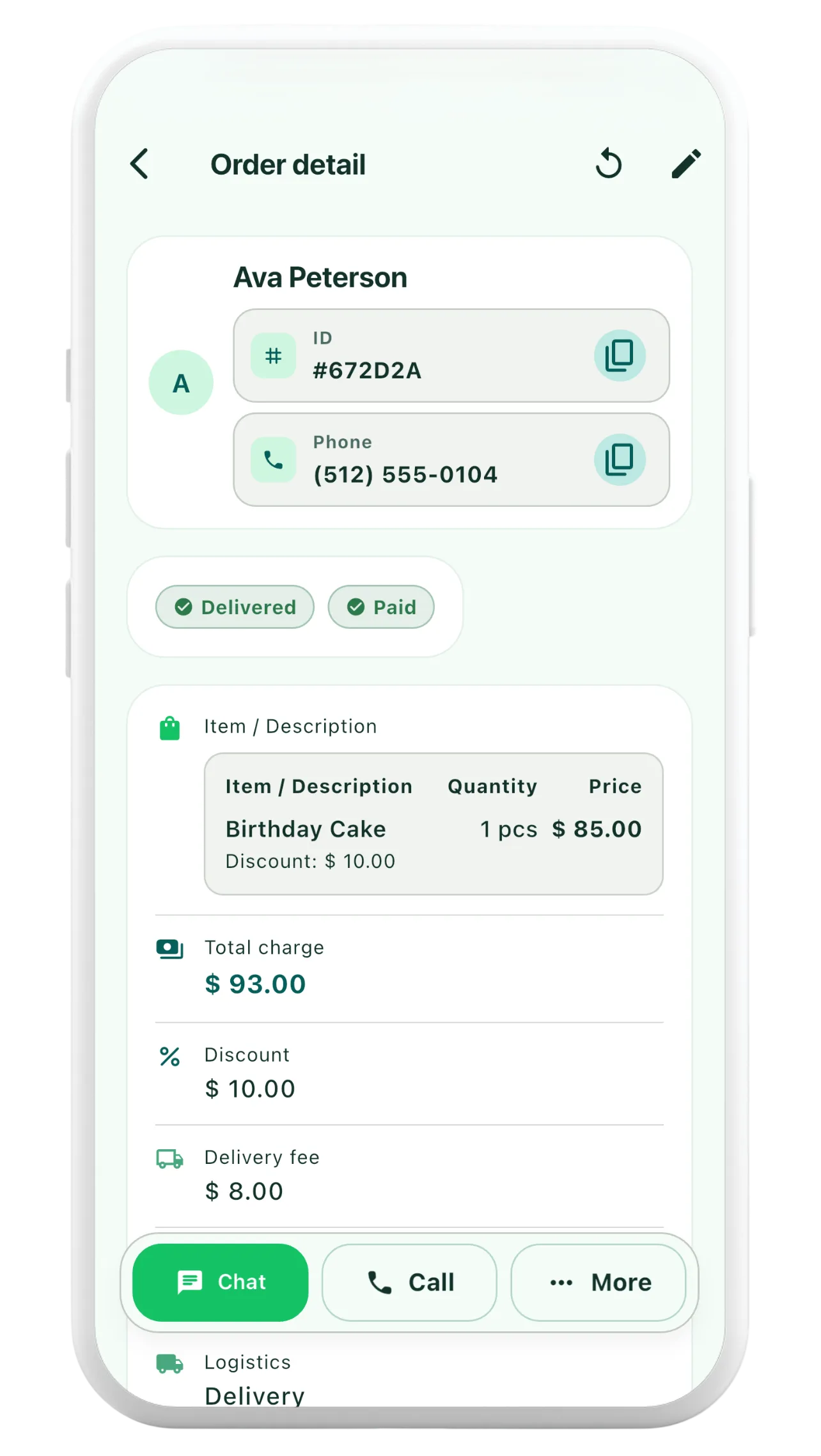
From the order detail, open the receipt preview and then use the supported share action. The app does not guarantee delivery of a message or confirm that the customer opened the document. Verify receipt sharing with the customer when needed.
Mistakes worth avoiding
- Incorrect customer details: Check the recipient, address and personal information before sharing.
- Missing adjustments: A discount or delivery charge changes the total even when line item prices stay the same.
- Incorrect paid status: An advance is not the same as complete settlement.
- Unreadable design: Avoid logos or long descriptions that obscure the important amounts.
- Assuming legal compliance: An order receipt is not automatically a compliant tax invoice or a substitute for required accounting records.
Common questions
Can a receipt be issued before the final payment?
A receipt can document recorded order and payment information, including an advance and balance due. Whether a particular document meets your business or legal obligations depends on local rules and the purpose of the document.
Can I include my logo?
Orderly supports optional receipt logo branding in the business settings. Use an image that is clear at the size a customer will see on their phone.
Does sharing a PDF mean the customer received it?
No. The device share action hands off the file to another app or destination. Check the recipient and follow up separately if proof of delivery matters.