
Use the details you already entered
Receipts can include order items, quantities, customer details, order and payment status, discounts, delivery fees, and balances where relevant.
Orderly features
Your customer wants a clear record of what they ordered and what they paid. Orderly generates a PDF receipt using details already saved on the order, so you do not have to rewrite the information in another tool.


First 20 orders free · One-time Pro Lifetime unlock · iOS and Android
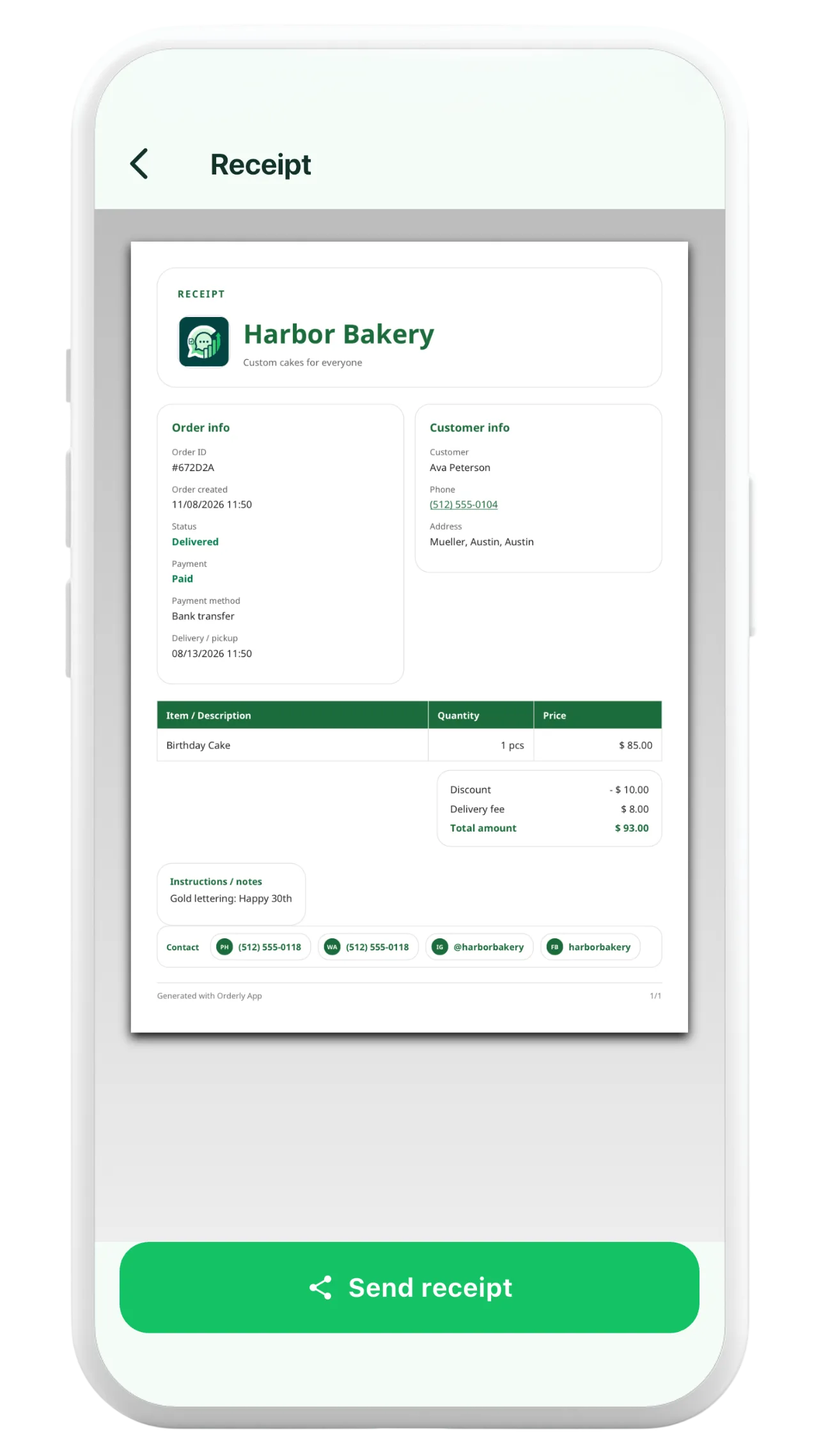
Receipts can include order items, quantities, customer details, order and payment status, discounts, delivery fees, and balances where relevant.
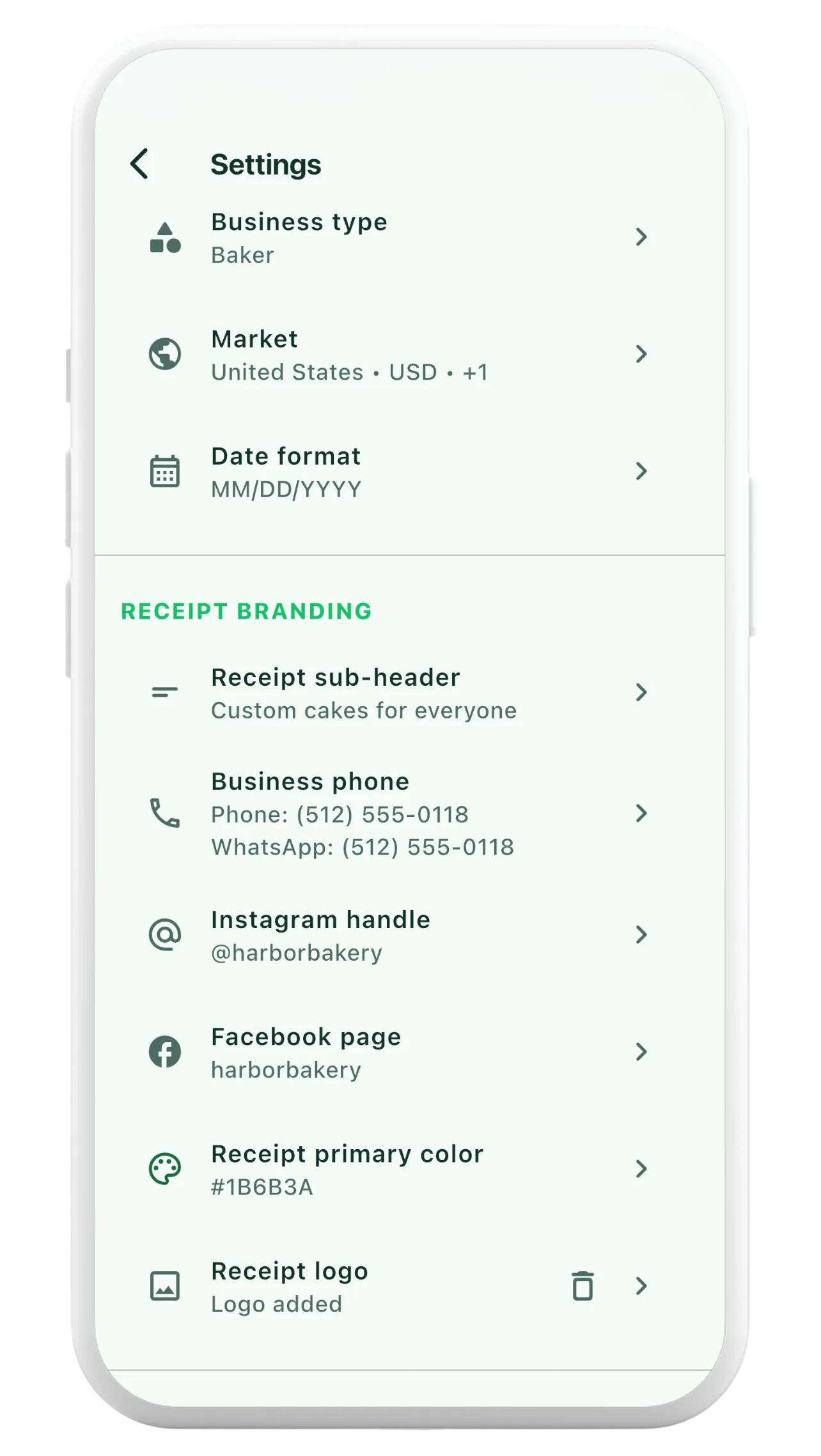
Use your configured business name and receipt branding details. The receipt generator supports an optional business logo and contact information.
Check the PDF preview on your phone, then share the generated file through available apps and share options on your device.
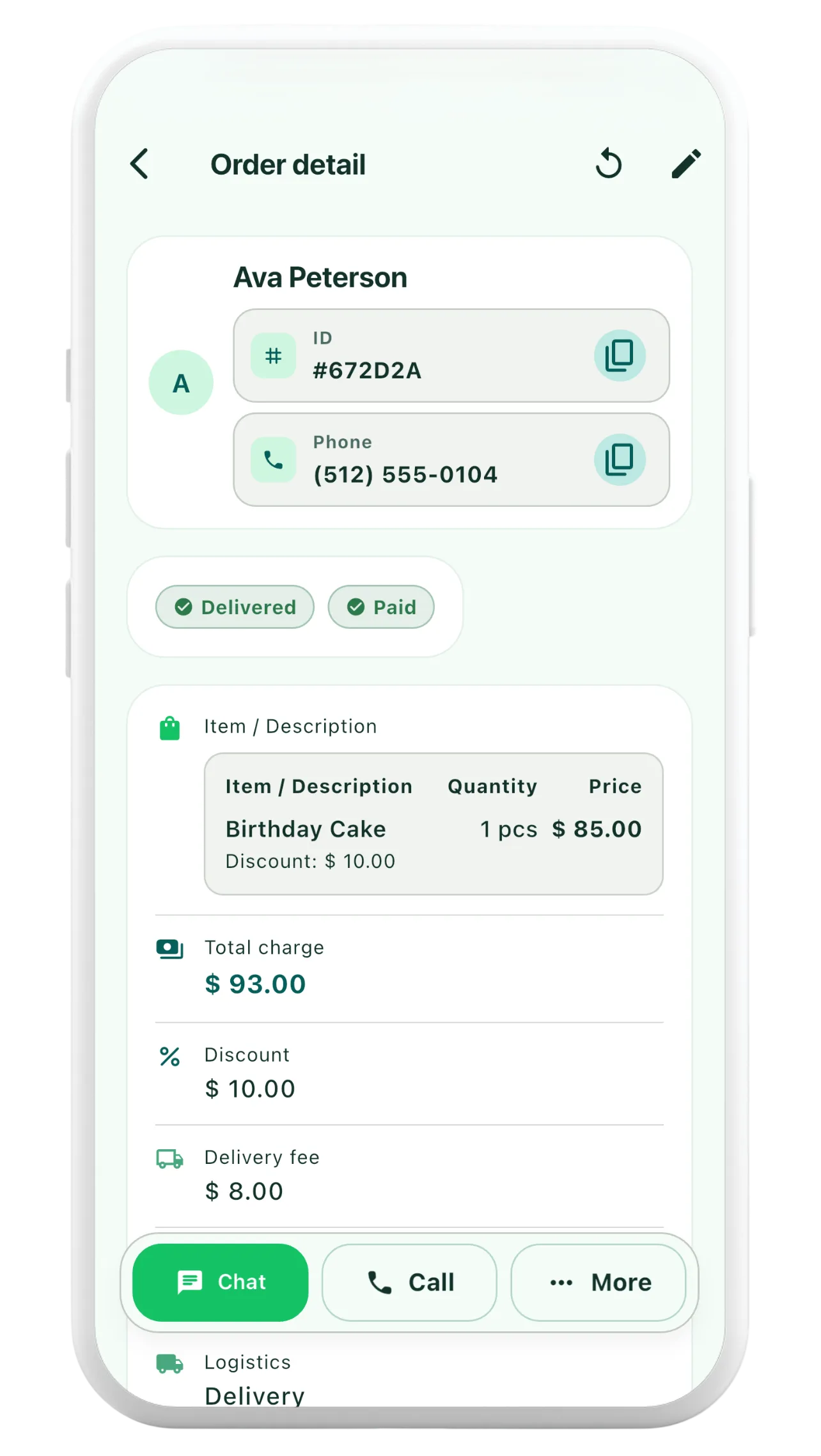
Add the customer, line items, pricing and payment information to an Orderly order.
Open the receipt preview to see the generated PDF, including the order total and any remaining balance.
Use the supported share options on your phone to send the receipt to your customer.
No. The PDF uses the details saved on the order, although you should check that those details are correct before sharing.
The app supports optional receipt-logo branding in business settings, alongside business name and available contact information.
Orderly creates order receipts. Businesses with tax-invoicing or statutory recordkeeping requirements should check their local rules before treating a receipt as a compliant tax invoice.