
Practical small-business guide
How to manage customer deposits and partial payments
A practical guide to agreeing deposits, recording money received, calculating balances and following up without confusing unpaid orders with fully paid ones.
Prepared by Orderly · Reviewed for practical order-management workflows
What is a deposit, and why record it separately?
A deposit is money a customer pays toward an order before paying the full amount. A partial payment can happen at any point before settlement. For a custom cake, a clothing preorder or a booked service, an upfront amount may help confirm the order while leaving the balance to collect later.
The useful distinction is between the agreed final order total, money actually received and money still due. A message saying the customer plans to pay is not the same thing as a received payment. Keep proof of payment in your normal records.
A repeatable six-step payment process
1. Confirm the order total
Check item prices, quantity, discounts and delivery fees before agreeing on a deposit. Tell the customer which charges are included and whether anything might change.
2. Agree on the deposit and due date
Explain how much is expected now, when the rest becomes payable, and what happens if plans change. Confirm those terms in writing rather than assuming both sides understood them.
3. Record the amount received
When the money arrives, record the received amount against that specific order. Note the payment method and expected settlement date when relevant, rather than relying on a chat message.
4. Mark the payment state accurately
Keep the order unpaid until money is received. Use partially paid while a balance remains, and mark it paid only after you have confirmed settlement. Order fulfillment and payment status are different things.
5. Recheck after changes
If the customer adds an item, delivery charges change or a discount is applied, recalculate against the new agreed total. Tell the customer what changed before requesting the final payment.
6. Close the balance deliberately
Before marking the order paid, confirm the remaining amount actually arrived. Keep the final order and receipt consistent with the collected amount.
Worked example: a custom clothing order
North Thread Studio prepares a custom clothing order with $200 of items, $12 delivery and a $7 discount. The final order amount is $205. The customer first pays a $45 deposit.
| Detail | Amount |
|---|---|
| Items subtotal | $200.00 |
| Delivery charge | $12.00 |
| Discount | −$7.00 |
| Final order total | $205.00 |
| Deposit received | $45.00 |
| Remaining balance | $160.00 |
A week later, the customer pays another $50. Cumulative money received is now $95, and the balance remaining is $110. If the app tracks one cumulative advance amount, update that total appropriately and keep the individual payment confirmations separately.
Try different figures in the free payment balance calculator. It calculates arithmetic only; it does not confirm that any transaction happened.
How to track it in Orderly
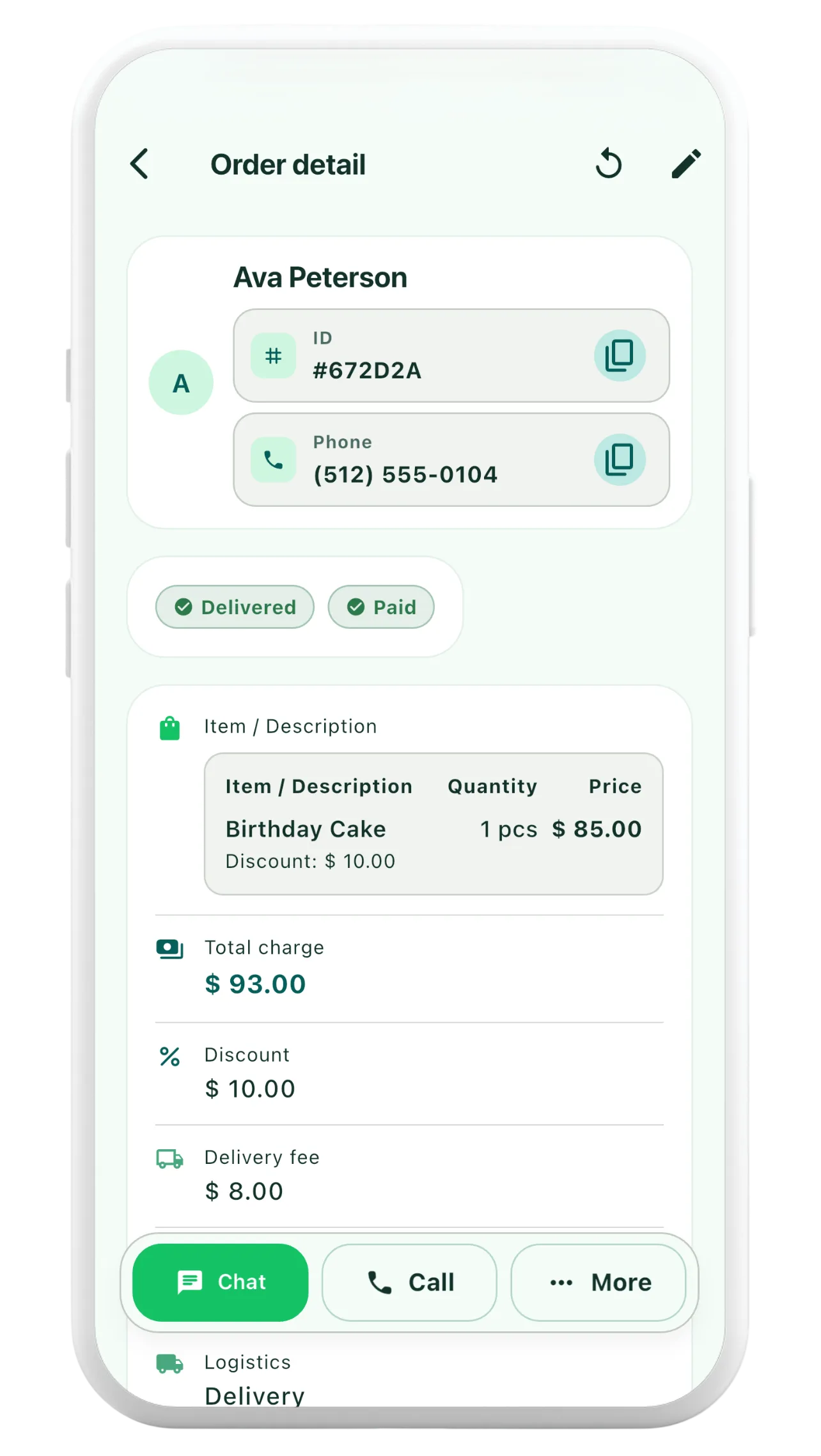
Orderly has distinct unpaid, partially paid and paid states. A saved order stores an advance amount, the order total and an optional expected settlement date. The order detail view displays the advance and amount due for orders not marked paid.
- Open the relevant customer order and review its items and total.
- Record the advance received and choose the appropriate payment status.
- Review the displayed balance due before requesting the next payment.
- After confirmed settlement, update the order to paid and review the receipt.
A paid status makes Orderly show zero due, so set it only after confirming payment. Orderly should not be treated as a bank statement, automatic payment detector or detailed transaction ledger.
A short checklist before following up
- Is this the correct order, especially for a repeat customer?
- Is the agreed total still current after changes, fees or discounts?
- Does the amount recorded as received match your evidence?
- Did you communicate the expected payment date and preferred method?
- Is the order partially paid rather than incorrectly marked paid?
- Does the receipt reflect the same amounts and status?
Common questions
What if the customer overpays?
Show the overpayment separately and reconcile it with the customer. Do not silently treat a negative balance as money owed by the business. The free calculator flags an overpayment explicitly.
What if a customer cancels?
Follow your agreed cancellation/refund terms and applicable local rules. An order tracker records amounts; it does not decide whether a deposit is legally refundable.
Should I request the final balance before delivery?
Set a payment schedule that suits your business and make it clear before accepting the order. Some businesses collect on pickup, others before fulfillment. The important part is agreeing on expectations and tracking the actual payment.