
Find a customer quickly
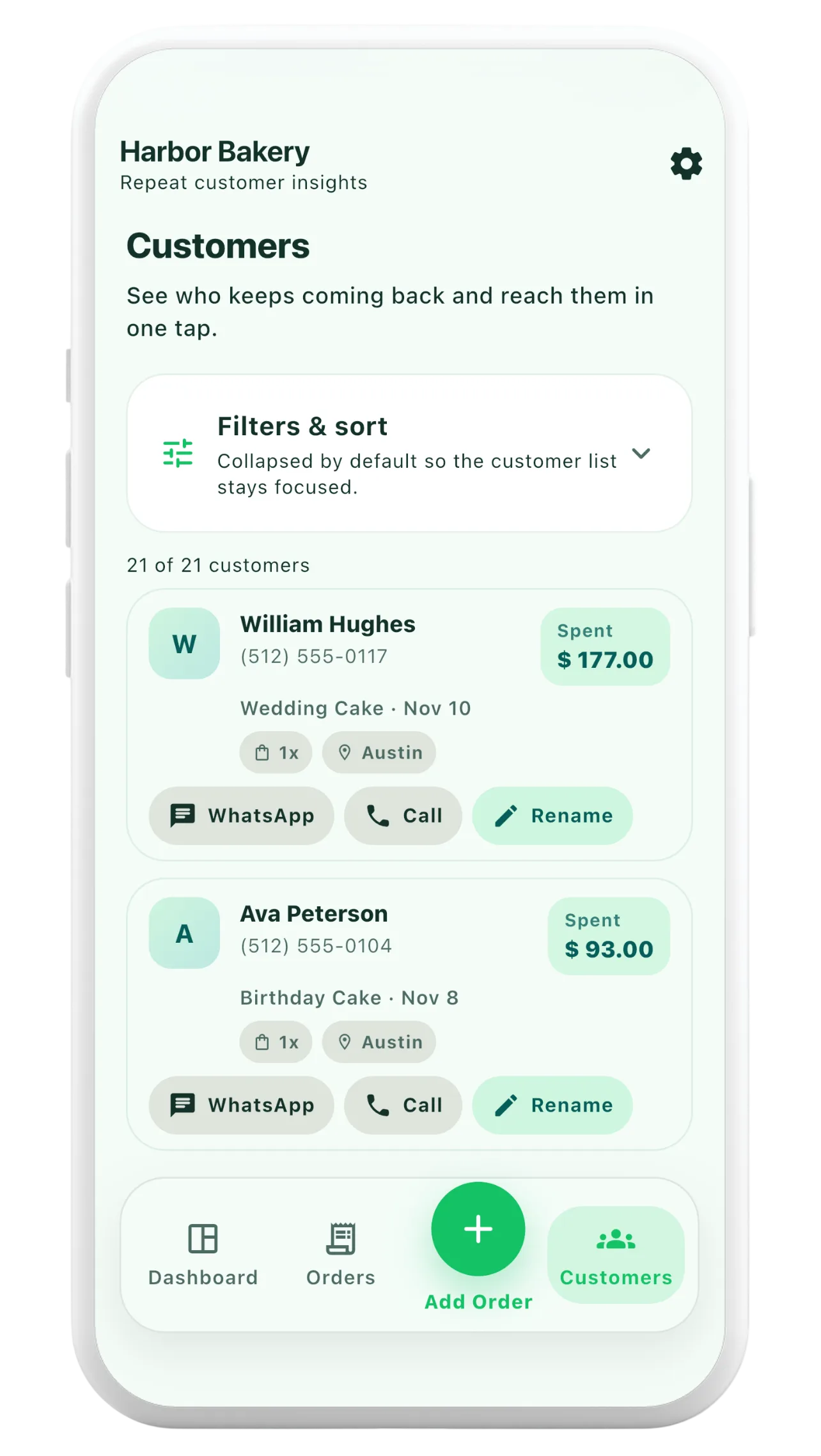
Search your customer list by name or phone number, with sorting and filtering tools to narrow a busy list.
Orderly features
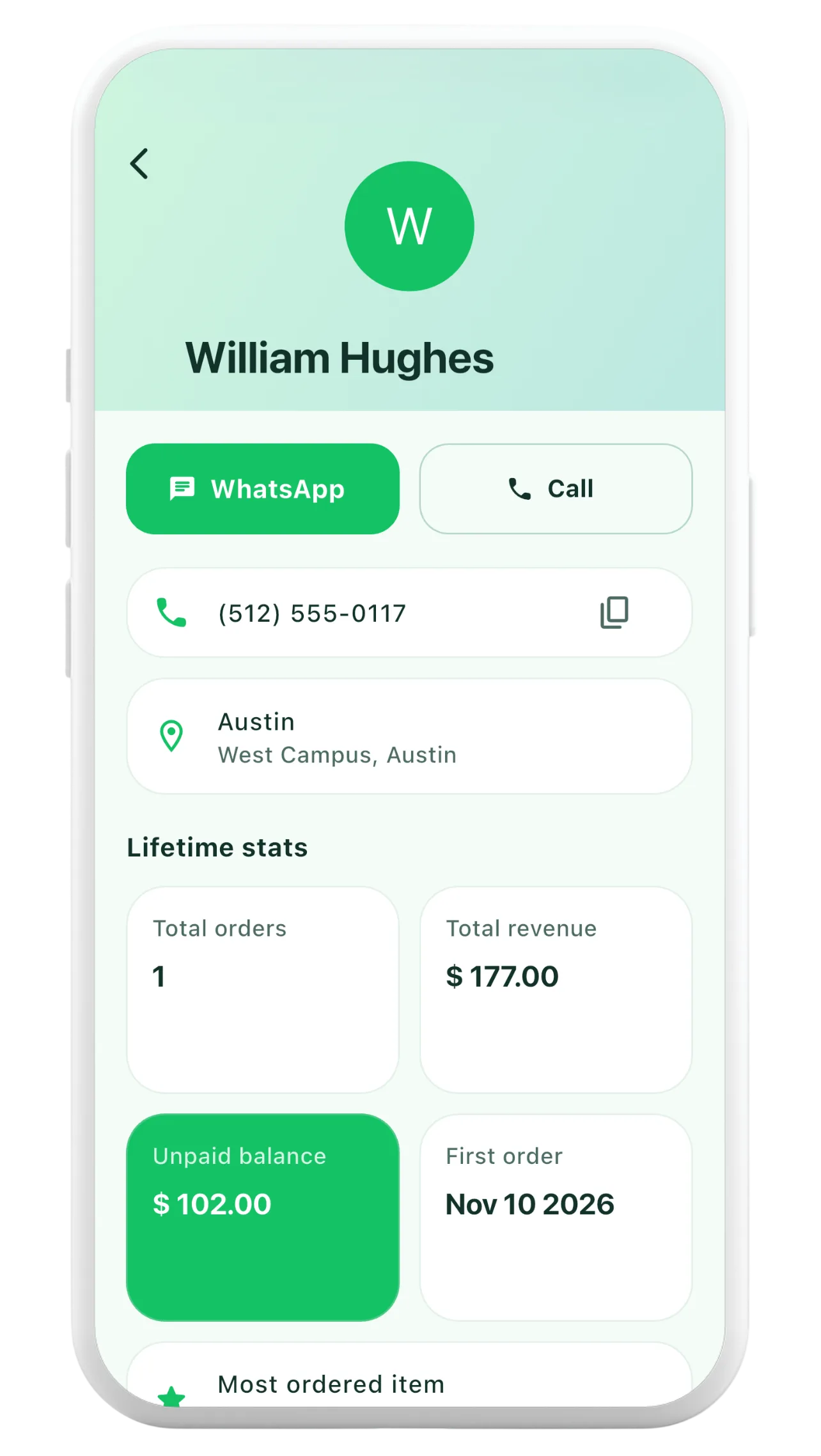
A repeat customer should not feel like a brand-new order every time. Orderly puts contact details, past orders and payment context together, so you can answer questions and prepare the next order with less searching.


First 20 orders free · One-time Pro Lifetime unlock · iOS and Android
Search your customer list by name or phone number, with sorting and filtering tools to narrow a busy list.
Open a customer to review previous orders, dates and statuses instead of trying to remember what they bought last time.
Customer records can hold phone and address details, while customer views summarize order activity and unpaid amounts.
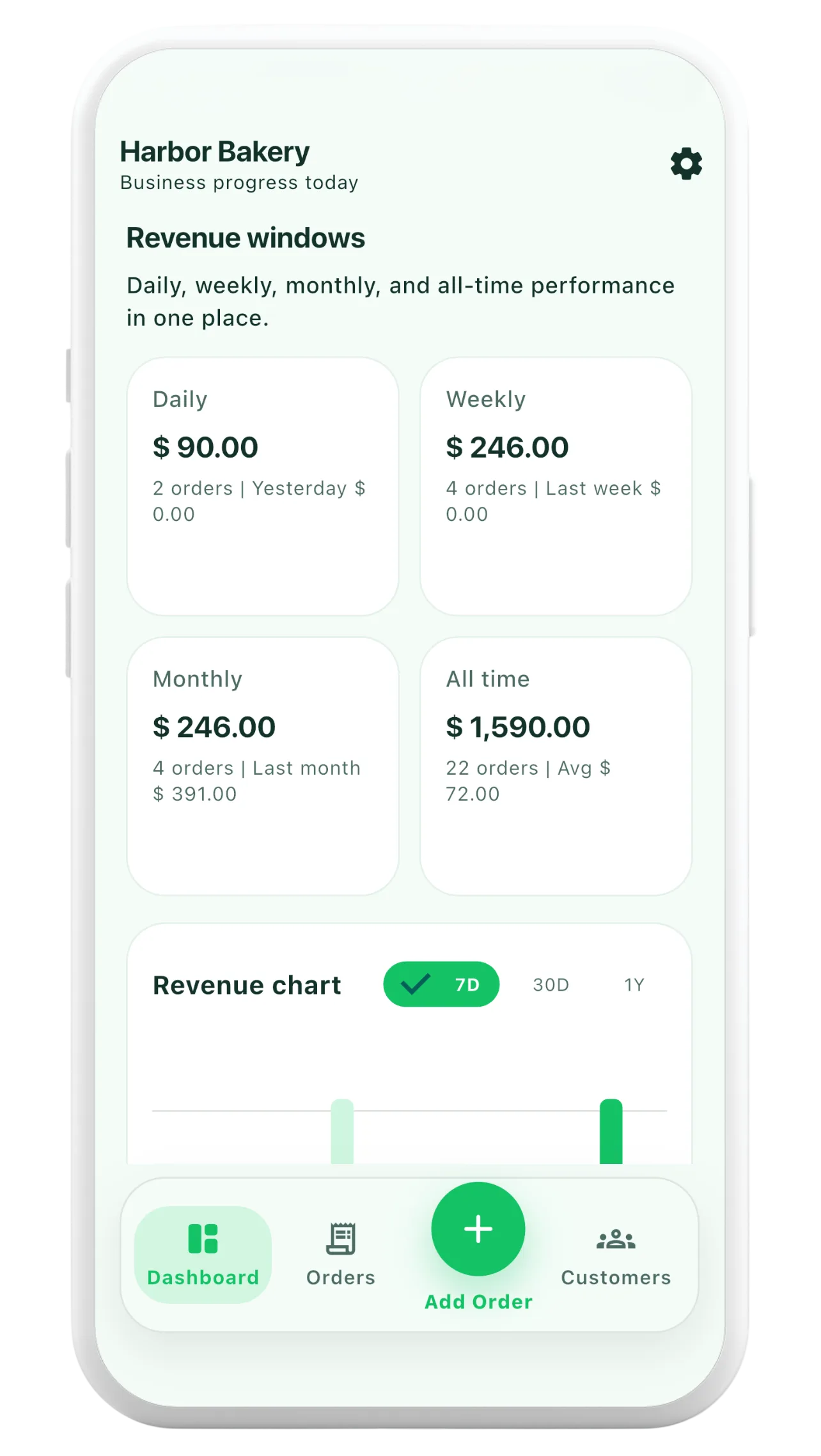
Add an order with a customer's contact information. Orderly keeps the customer connected to the order record.
When the same customer comes back, open their profile to see past items, previous order details and outstanding payment context.
Check their order history before replying. Where supported, use the phone or WhatsApp actions to contact them directly.
Yes. The customer detail view includes an order-history list, so you can review earlier orders and their statuses.
Orderly keeps order-related customer information together. It does not claim to replace every feature of your phone's contacts app or a full CRM.
Customer details show outstanding payment context from recorded orders. You can also review paid, unpaid and partially paid orders in the order workflow.